File Requests
File Requests gives you an upload‑only link: anyone sends you files without an account, and they arrive in the Google Drive folder you chose.

What it does
Create an upload‑only link bound to one folder you own in My Drive.
Senders don’t need an account, and they can’t browse or download what’s already in the folder.
Files are checked and delivered to that exact folder, and you see what Google confirmed.
Close a request to stop new uploads; deleting it leaves delivered files in Drive.
Who it’s for
Accountants collecting tax documents such as W‑2s, 1099s and K‑1s from clients.
Anyone who keeps project files in Google Drive.
How it works
- 1
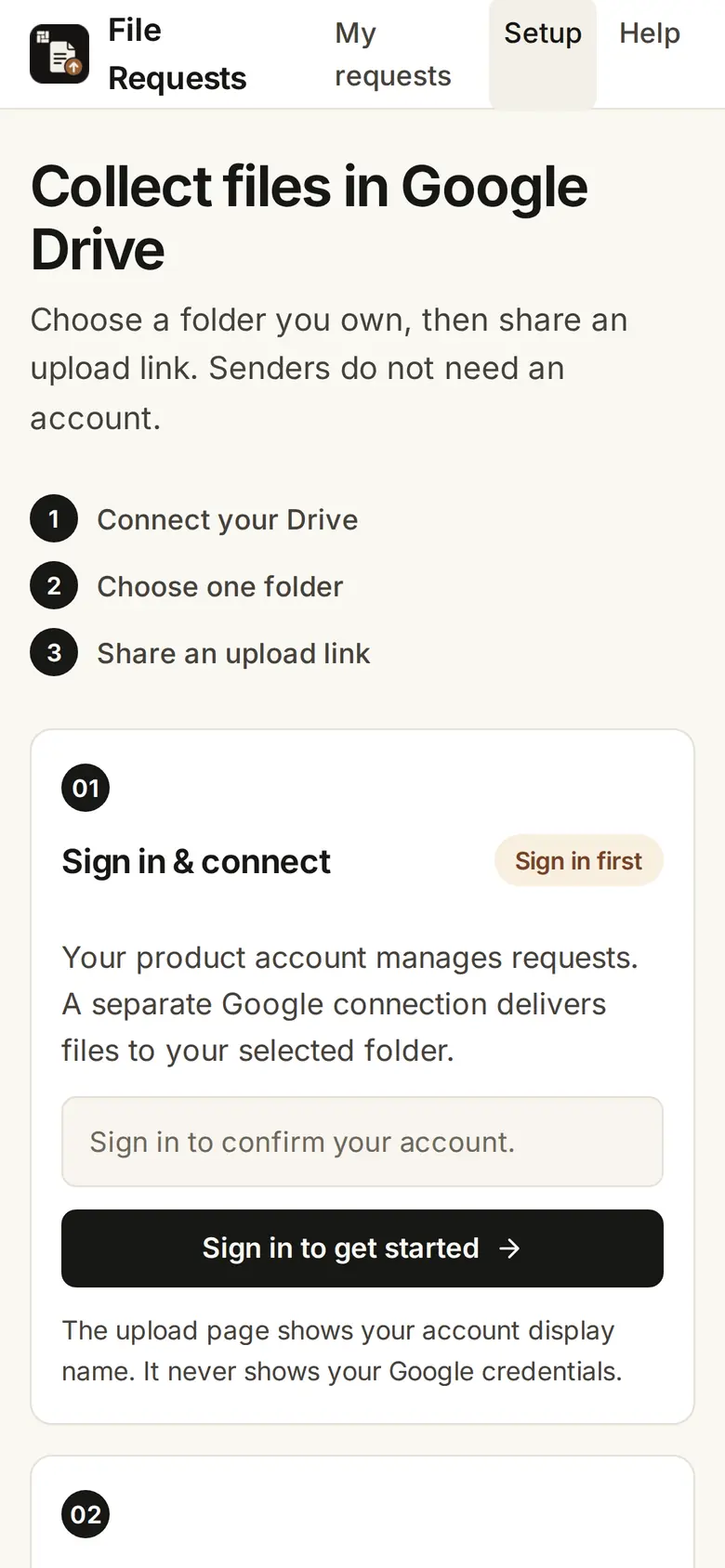
Open files.firmary.app and sign in.
- 2
Connect your Google Drive and choose one folder you own.
- 3
Share the upload link. Files arrive in that folder.
What’s included
Malware and file‑type checks on every file before it reaches Drive.
Delivery status for you and a receipt for the sender.
Details
- Sizes
- 25 MiB per file; 50 files and 250 MiB per request; 10 open requests; links expire after 30 days
- Destination
- A folder you own in Google My Drive
Limits
The folder must be in your My Drive; Shared Drives aren’t supported.
Accepted files: PDF, JPEG, PNG, HEIC, DOCX, XLSX and CSV. Encrypted, macro-enabled or unsafe files are rejected.
Creating a request sends no email: you share the link yourself.
Limits can change, and it may not always be available.
Price
Questions
- What does File Requests cost?
- Nothing yet. File Requests doesn’t bill anyone today.
- Do senders need an account?
- No. They open the link and choose files on their device. Anyone holding an open link can use it, so share it only with the person sending the files.
- Does an AI read the files?
- File Requests checks the upload and sends the original to your Drive. It does not send the file contents to the connected assistant.
- How do I use it from ChatGPT or Claude?
- Add https://files.firmary.app/mcp as a connector and sign in. Connecting Google Drive and choosing the folder happen on the website.
Support
Goes with
- Client AnswersNo charge yetClient Answers sends a client one private link to explain the transactions you pick, and returns each answer attached to its original row.
- Send a FaxFrom $1.07Send a Fax sends PDFs or photos as one fax to a U.S. or Canadian number, from its website, ChatGPT or Claude, and shows you every page and the price before you pay.
- Document requests and tax‑form readingWith FirmaryFirmary sends clients document requests with instructions and due dates, and reads the tax forms they send for a person to check.
Checked against the running product on November 17, 2026. Questions: support@firmary.app. Everything Firmary offers