Client Answers
Client Answers sends a client one private link to explain the transactions you pick, and returns each answer attached to its original row.

What it does
Pick the transactions from a CSV and the questions to ask. When you import on the website, only those rows and the columns you choose leave your device.
Check exactly what the client will see before the link is made.
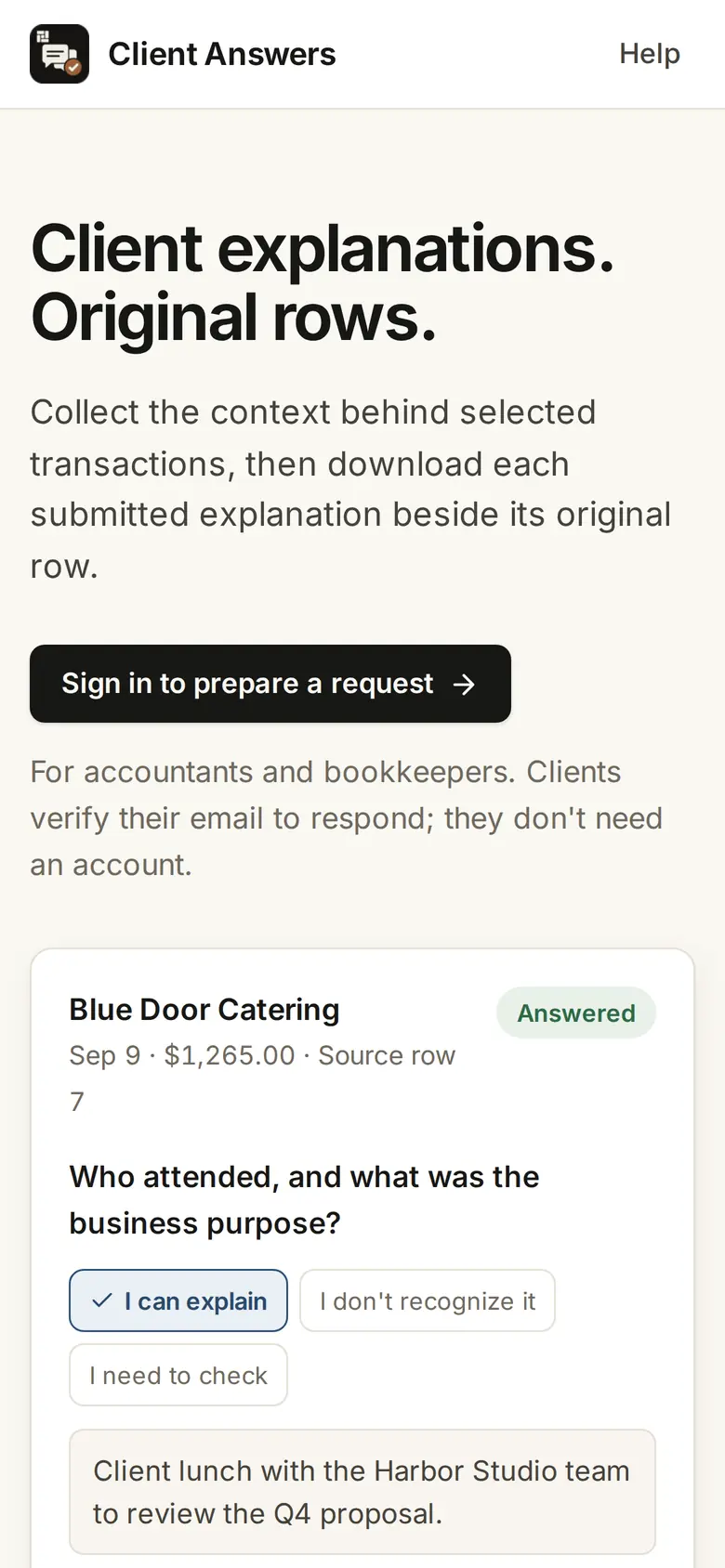
The client verifies their email, then explains each row, marks it as not recognized or says they need to check.
Download every approved row in its original order, with the client’s answers attached.
Who it’s for
Bookkeepers closing the month who need a client to explain transactions.
Accountants who need the business purpose behind expenses.
How it works
- 1
Open answers.firmary.app and sign in.
- 2
Pick the rows and the questions from your CSV, and check what the client will see.
- 3
Send the private link, then download the answers beside the original rows.
What’s included
Saved drafts, so the client can submit what they know now and come back to the rest while the request is open.
Exports while the request is open or closed, with any formula in an answer neutralized so a spreadsheet won’t run it.
Details
- Rows
- Up to 200 selected rows per request
- CSV
- A header row, up to 2 MB, read on your device
Limits
Creating a link sends no email: you share it yourself.
It doesn’t classify transactions or make accounting decisions.
No reminders or file attachments.
Price
Questions
- What does Client Answers cost?
- Nothing yet. Client Answers doesn’t bill anyone today.
- Does the client need an account?
- No. They enter a code sent to their email, then answer.
- Can I start in ChatGPT or Claude?
- Yes, with Client Answers connected at answers.firmary.app/mcp. ChatGPT or Claude can send the full CSV. Client Answers reads it in memory and keeps only the selected rows and the mapped columns.
Support
Goes with
- File RequestsNo charge yetFile Requests gives you an upload‑only link: anyone sends you files without an account, and they arrive in the Google Drive folder you chose.
- Document requests and tax‑form readingWith FirmaryFirmary sends clients document requests with instructions and due dates, and reads the tax forms they send for a person to check.
- Send a FaxFrom $1.07Send a Fax sends PDFs or photos as one fax to a U.S. or Canadian number, from its website, ChatGPT or Claude, and shows you every page and the price before you pay.
Checked against the running product on November 17, 2026. Questions: support@firmary.app. Everything Firmary offers